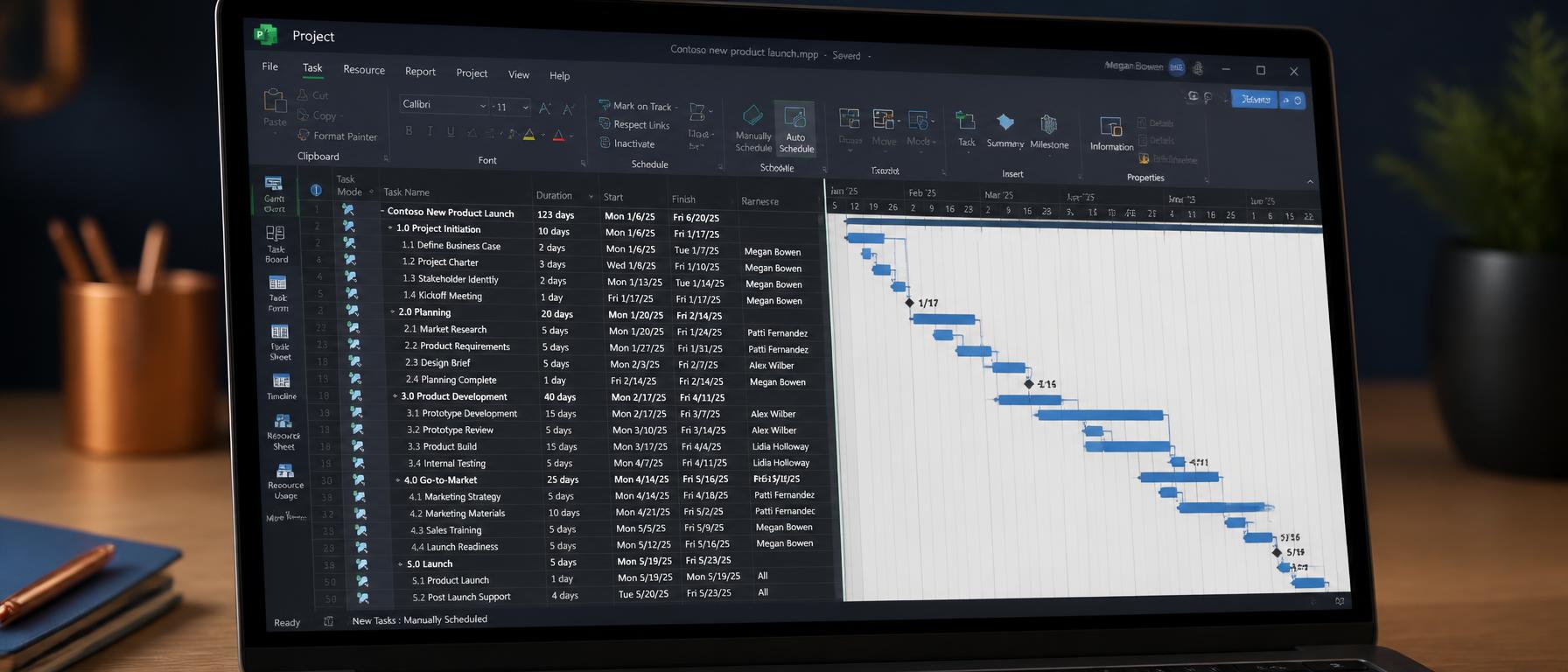
Microsoft Project remains one of the most capable tools for building and managing project schedules. It can model dependencies, allocate resources, track progress against a baseline, and produce reports that support informed decisions. Yet many new users never reach that point because they treat it like a spreadsheet or a simple task tracker.
The result is a file full of dates and tasks that does not reflect how the work actually flows. The tool is not at fault — the setup is. Here are the most common mistakes we see when professionals first start using Microsoft Project, and how to avoid them.
Mistake 1: entering start and finish dates manually
One of the first instincts new users have is to type start and finish dates directly into the Gantt chart. This overrides the scheduling engine and turns Microsoft Project into a static picture. Once dates are fixed manually, dependencies no longer drive the schedule, and any change becomes a manual update.
The better approach is to let the tool calculate dates from task durations, dependencies, and constraints. Enter durations, link tasks, and set milestones. The schedule then stays dynamic and changes cascade correctly.
Mistake 2: ignoring the project calendar
Working times, holidays, and non-working days are not decorative settings. If the project calendar does not reflect reality, the schedule will show impossible dates and resource loading will be wrong from the start. Always confirm the calendar before adding tasks.
Mistake 3: overloading resources
Assigning the same person to multiple parallel tasks without checking availability is a common error. Microsoft Project can highlight over-allocations, but only if resources are set up with accurate units and calendars. Without that, the plan looks achievable until execution proves otherwise.
Mistake 4: not setting a baseline
A baseline is the approved version of the schedule against which progress is measured. Without it, variance tracking becomes subjective. Set the baseline once the plan is realistic and approved, then use it to report real progress.
Mistake 5: reporting too much or too little
Microsoft Project can generate many reports, but not all of them are useful. New users either drown stakeholders in detail or produce high-level charts that hide problems. Match the report to the audience: executives need summary variance, while delivery teams need task-level detail.
Used well, Microsoft Project becomes a genuine delivery companion. The key is to learn the principles behind the tool before focusing on the interface. Training that combines scheduling discipline with hands-on tool practice is the fastest way to move from confusion to confidence.